Delete Package
A Package can only be deleted from the catalog if it is detached from the SIM. When you delete a Package, all included plans are automatically removed from the package.
To delete a package, do these steps:
- Select Catalog | Packages from the sidebar menu.
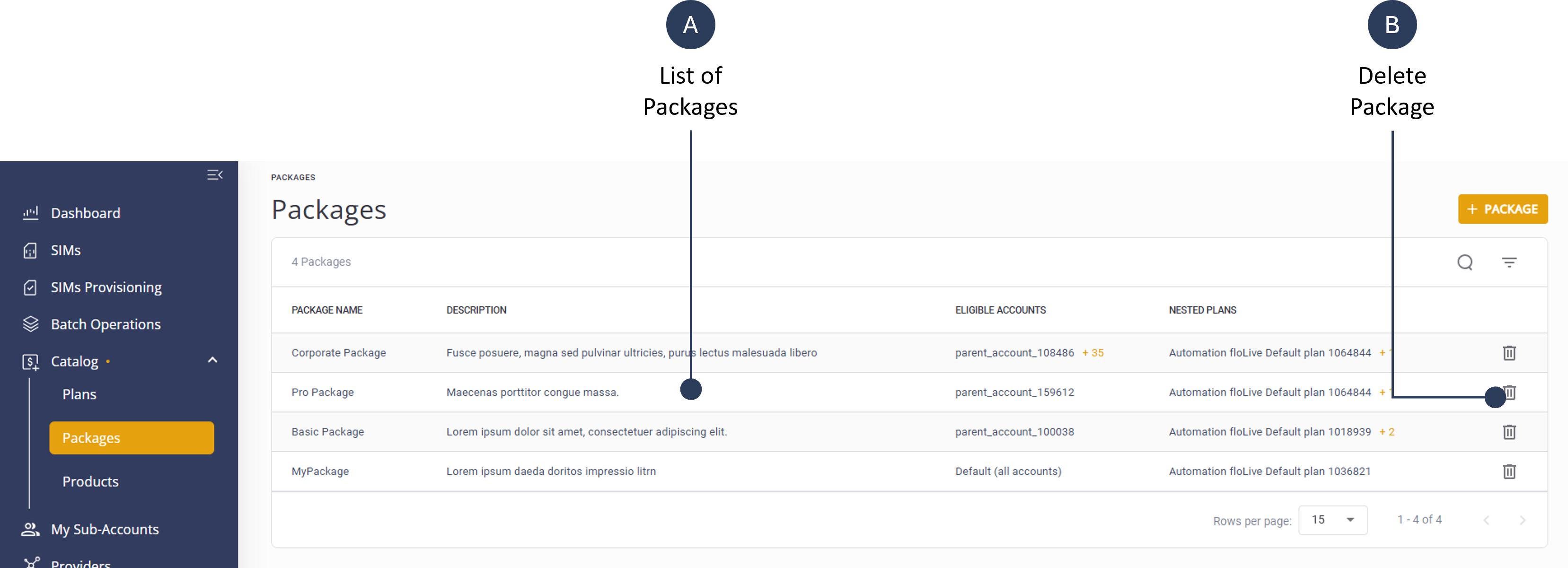
- Select a Package from the list and click the Deleteon the right-side of the row.
- Click Delete to remove package complete delete operation.
An example of the delete package screen is shown here.